The Operating System for Racquet Sports Coaching.
No more texting the club to ask what time practice starts.
If your club runs on RacquetIQ, your family gets one app.
Your sport
10 racquet sports, each with its own rating.
Seaside Club
Hillside Park
Friday 16 October
The Riveras today
Season waiver needed
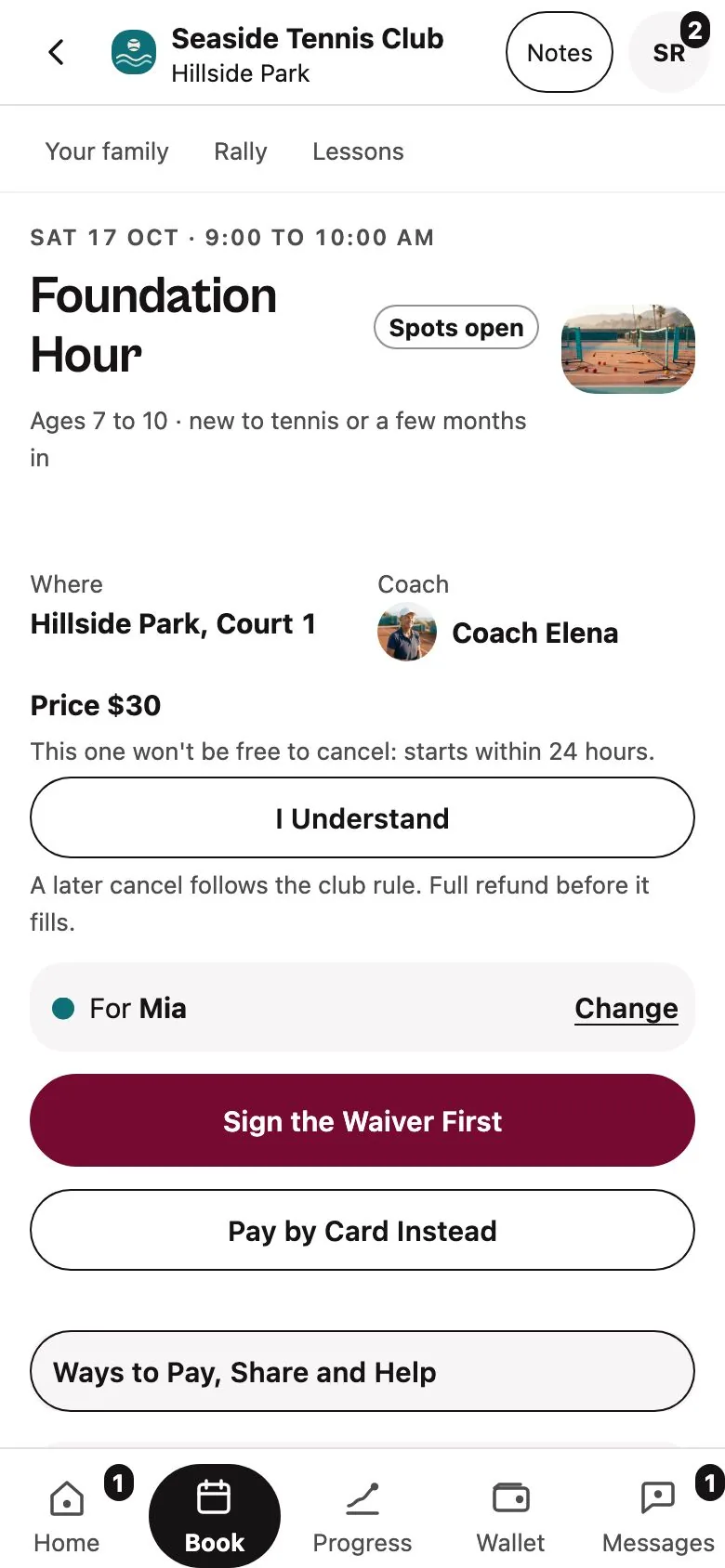
Before Mia’s first session
Sign the Season WaiverJunior pickleball, Court 5
Coach Marcus
Padel first steps, Court P2
Arrive 8:45 am. Club note: wear club colors.
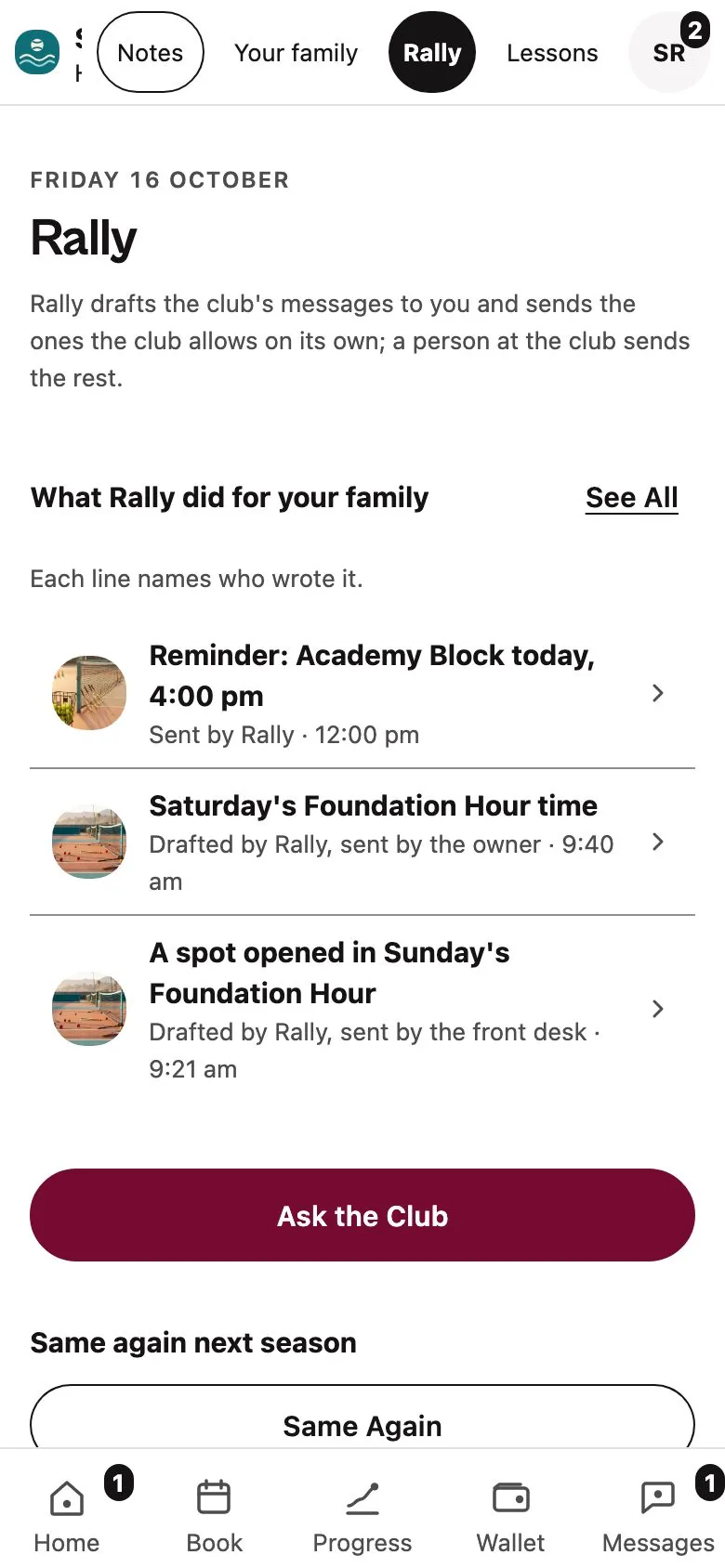
Sent by Rally, 12:00 pm
Reminder: Leo’s junior pickleball session today, 4:00 pm.

The texts you stop sending.
What time is practice tomorrow?
On Home, with an arrival time.
Home
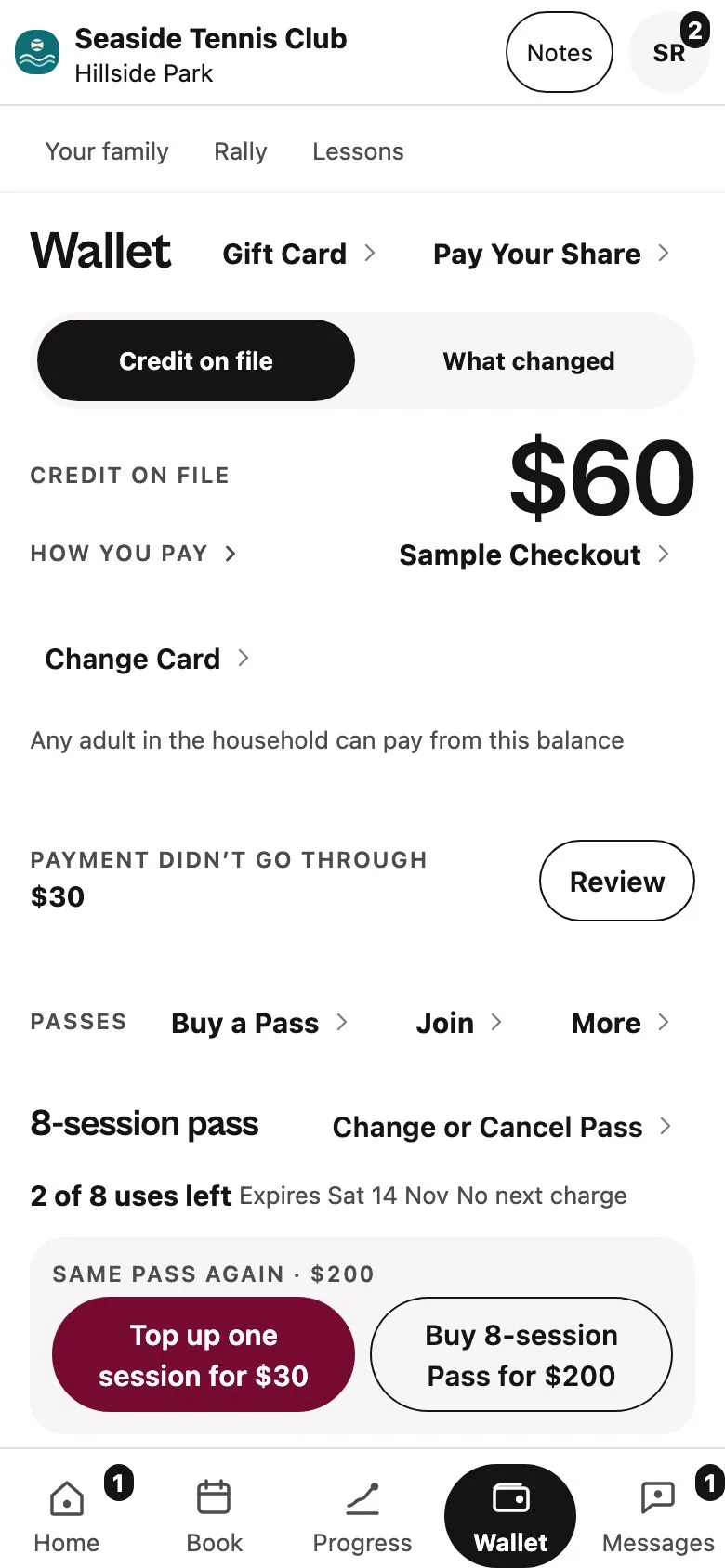
Did my payment go through?
In your Wallet.
Wallet
Is there room on Saturday?
The waitlist offers the spot.
Open spots
Can we move Thursday?
Move it yourself.
Your booking
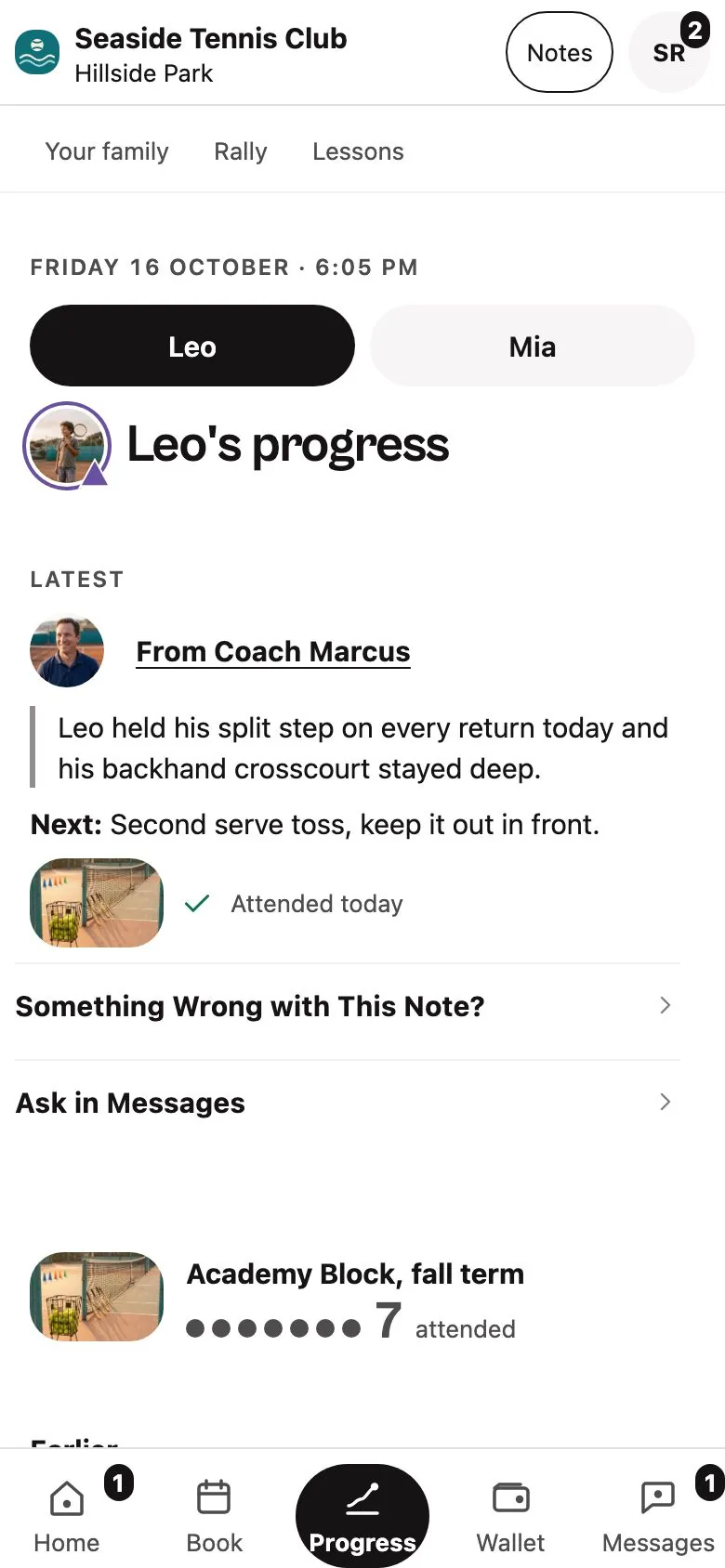
How is she doing?
Read the coach’s note.
Progress
Book and pay in one go.
Pick a session and pay through Stripe. Your account is made as you book.
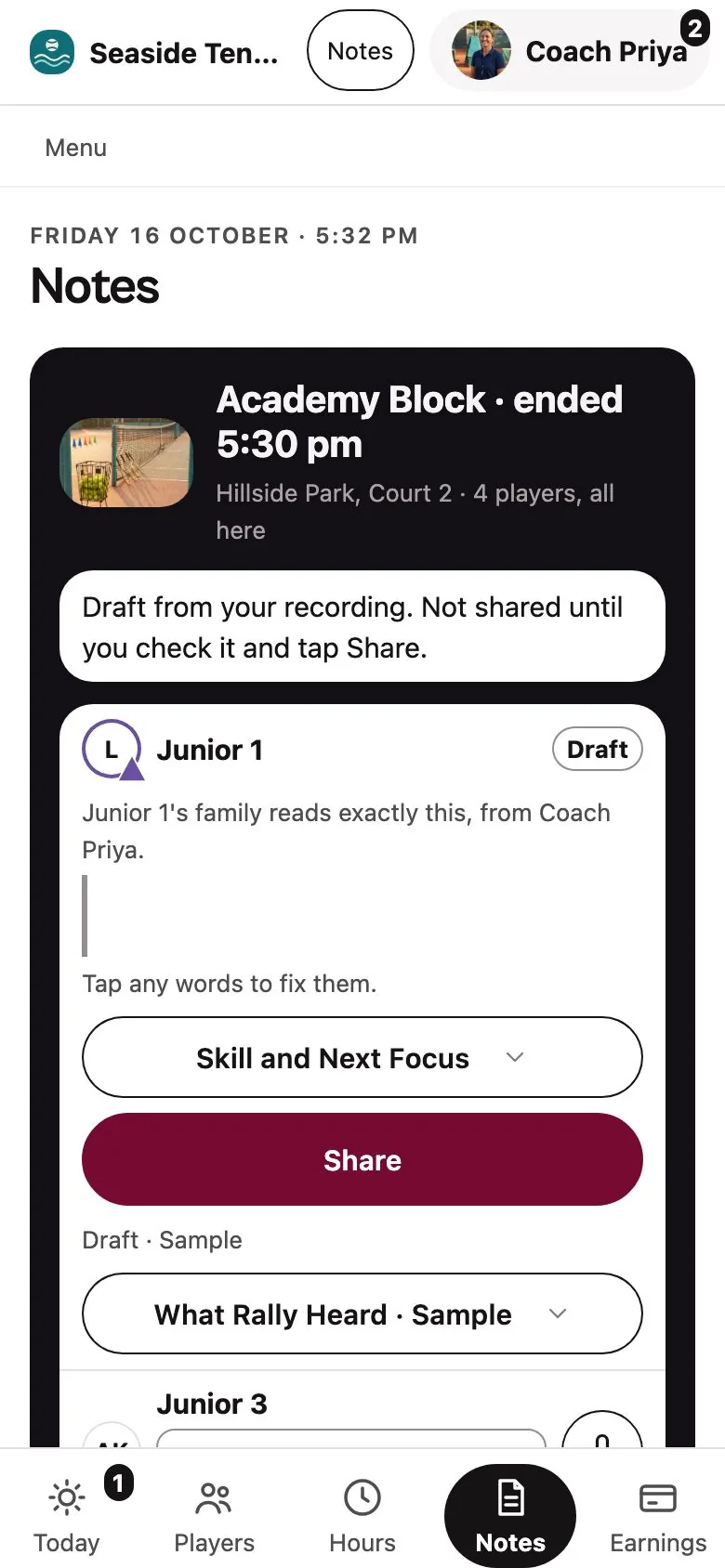
Hear what the coach saw, in the coach’s words.
Nothing reaches you until the coach checks it and taps Share.
You can see who wrote every message.
Each message says who wrote it: Rally, or someone at the club.
Safety, injury, behaviour and complaints always go to a person at the club.
Your children’s records stay with you.
You manage your child’s participation
Use your own adult account for family bookings and club information.
Booking and paying stay with you
Separate junior sign-in is not offered.
Photo and pickup answers per child
Every change is logged.
No charge without your tap
The adult on the account taps to pay.
Any future junior access needs an independent youth-safety review before it is offered. Your club decides which family tools it uses. The children’s privacy notice is still under review.
For families
Start with your club’s front desk.
Ask your club which booking and guardian tools are available for your family. For a question about a child’s information, read the draft privacy page or email RacquetIQ support.
Run a club?Request a business walkthrough
Playing yourself?See the player page